
In Diamonds, you can easily apply trapezoidal loads (such as water or ground pressure) on one or more plates simultaneously.
As an example we use the vessel made in this topic. You can download the model at the bottom of this article. This vessel is round, but the workflow applies to any shape. The vessel has a total height of 3m. Let’s say the water level can only rise to 2m.
- Take a transparent view
 .
. - Go to the geometry configuration
 .
. - Open the configuration settings
 and check the option Local coordinate system below Surfaces.

- To define trapezium loads, all local coordinate systems of the plates must point either inward or outward. We recommend that you direct all the local coordinate systems inward.
The orientation of upper an lower reinforcement is related to the oriëntation of the local coordinate system. If you change its orientation for the base plate, you’ll be looking at the upper reinforcement for all plates while for the base plate you’re looking at the bottom reinforcement. That’s very confusing.

- Select the walls for which the local y’-axis is not facing inwards using.
The model has already been prepped a little for you. All green walls have a local coordinate system pointing outward. It’s those walls you should select. Since they’re organized in a design type, you can easily select them using CTRL.

- Open the plate properties
 and change the orientation of the local coordinate system.

- All local y-axis’ are now facing inwards.

- The bottom of the vessel is drawn on Y=0m. The top has a global Y coordinate of 3m.
We’re going to cut the vessel in two, were the water line (Y=2m) is.

- Select everything (CTRL + A) and click on
 . Select Intersection lines and plates with reference plane and set Y = 2m.

- The vessel is now divided into two parts.

- Select the upper part and hide it
 .
.

- Go to the Loads Configuration
 .
. - Define a new load group
 for water pressure.
“Water pressure” is not a default load group. You can either see it a permanent or a variable load depending on its variation in time. - For water pressure: select everything (CTRL + A).
For ground pressure: select everything (CTRL + A). With SHIFT pressed in, deselect the foundation slab! - Click on
 .
.
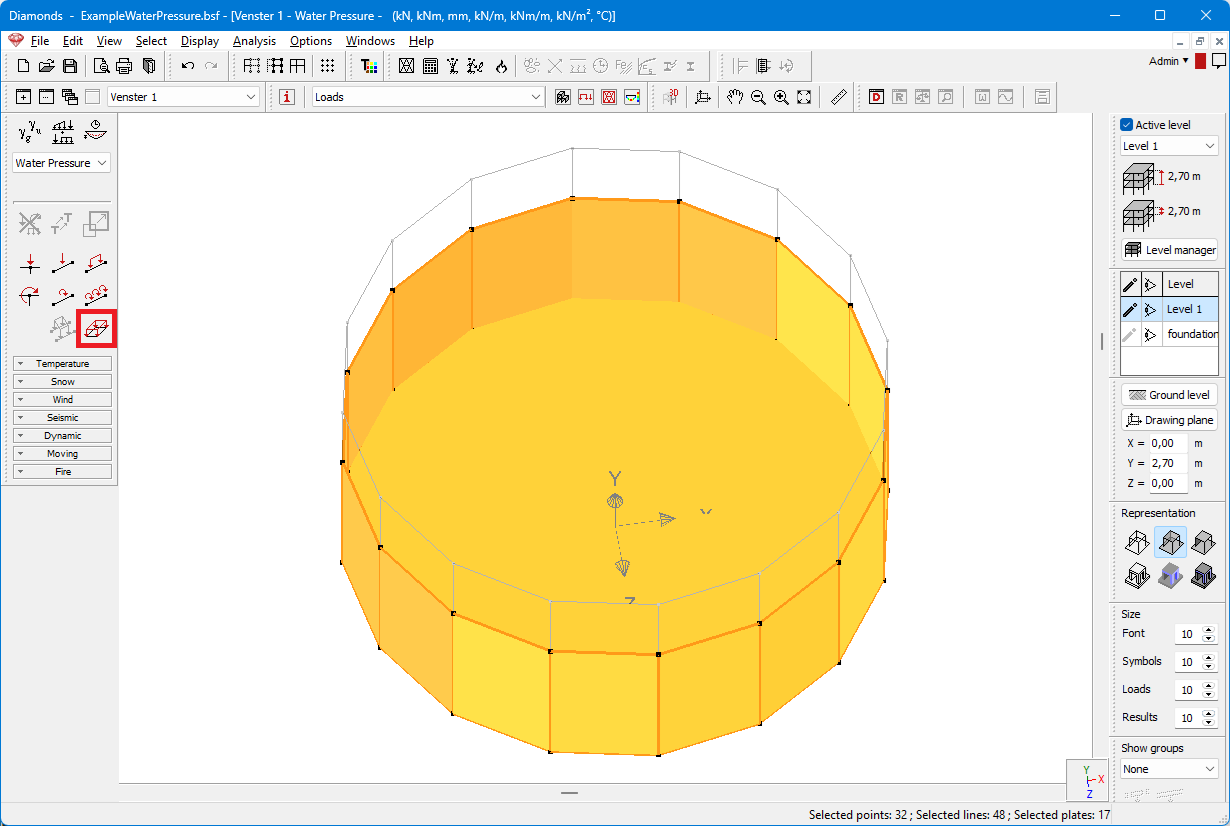
- Select a load according to the local coordinate system and the option ‘Trapezoidal load’.

- Click once on one of the points in the upper circumference of the plate. Diamonds will copy-paste the global Y-coordinate of the selected point. In this example: 2m.

- At a height of 0m, the value of the waterpressure is 0kN/m².

- Click once on one of the points in the lower circumference of the plate. Diamonds will copy-paste the global Y-coordinate of the selected point. In this example: 0m.

- At a height of 0m, the value of the waterpressure is 20kN/m².

- Hit OK to generate the loads.

- The loads are now inside the vessel. Like a swimming pool filled with water. If this was a basement, you want the loads to be on the outside of the vessel. To do so, select everything and hit
 . Enter -1 as scaling factor.

- Now the loads are on the outside of the vessel.

